Teacher tool
Todos
One list for everything you have to remember.
A simple to-do list for the work that happens outside class time, with due dates that keep every task in view until it's done.
Free with every TeacherStack account
How it works
Get it out of your head
Jot it down, give it a date, check it off.
1
Add a task
Jot down anything you need to remember, in a tap.
2
Set a due date
Give it a deadline and it sorts into today, this week, or later.
3
Check it off
Clear it when it’s done — overdue items stay front and center.
The admin, prep, and follow-ups — handled
Due dates and overdue flags do the remembering for you.
Grouped by when
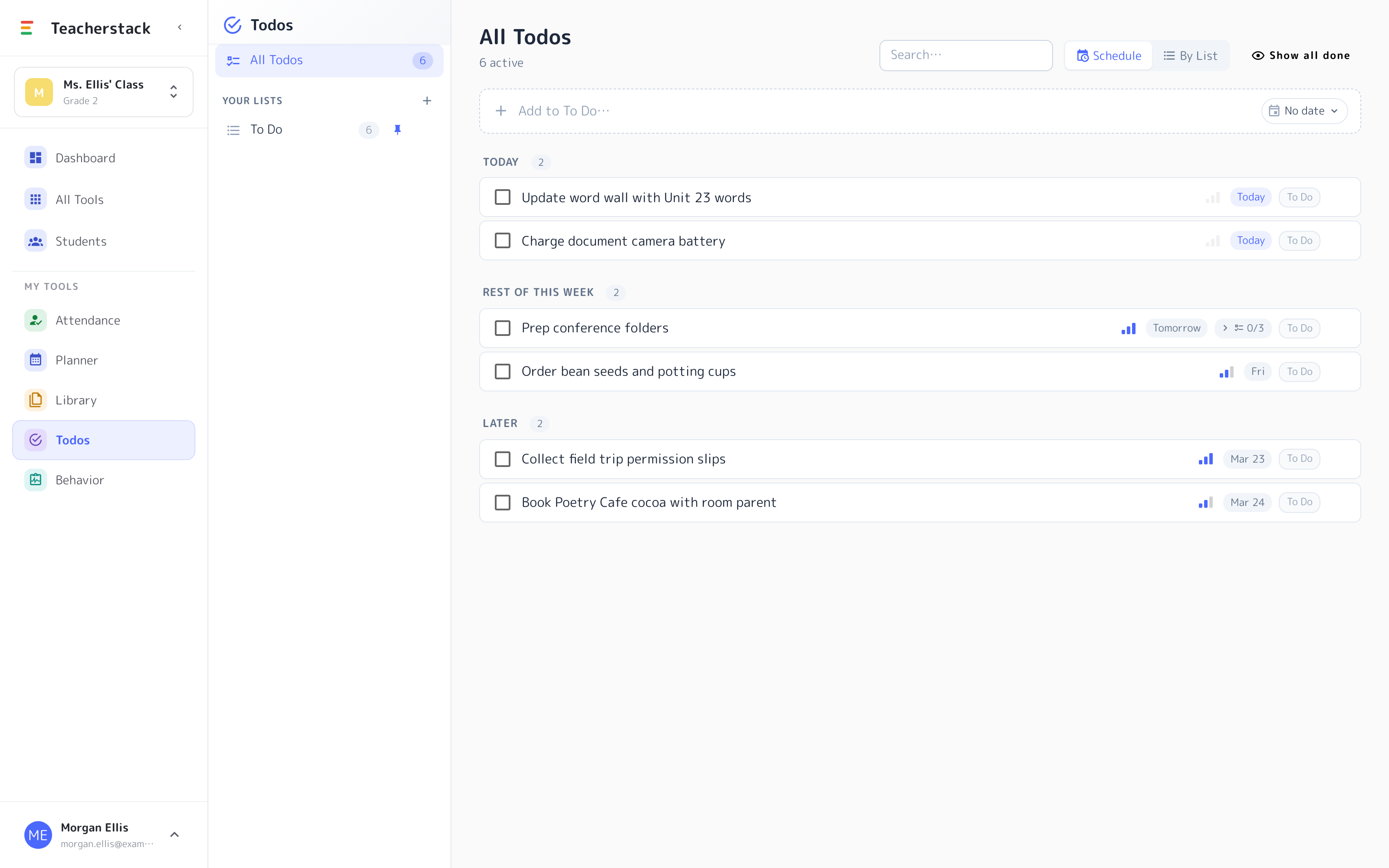
Tasks sort into Today, the rest of this week, and later, so the next thing is always on top.
Due dates & priority
Give a task a date and a priority; overdue items stay front and center until handled.
Break it into steps
Add subtasks to a bigger job and watch the “0/3” tick up as you check them off.
On your dashboard
Your next tasks ride along as a tile on your home dashboard, so today’s list is the first thing you see when you sign in.
Your to-do list
The next thing, always on top
Prep, calls home, copies to make — all sorted by when it’s due.
- 1Sorted by due dateTasks fall into Today, the rest of this week, and later — so what’s next is always at the top.
- 2Dates, priority, subtasksAdd a due date and priority, and break a big job into steps you check off one by one.
- 3On your dashboardYour open tasks also show on your home dashboard when you sign in.
Nothing slips through
Prep, calls home, copies to make — due dates and overdue flags keep every follow-up in front of you until it's handled.