Teams & shared classes
Teaching is better
together.
Share lessons and resources with your grade-level team, or share a class with the co-teachers and support staff who work with your students.
Shared classes
Everyone who works with your students, on the same page
Invite co-teachers, specials teachers, and paras to your class. They can log behavior and give points, each signed in as themselves.
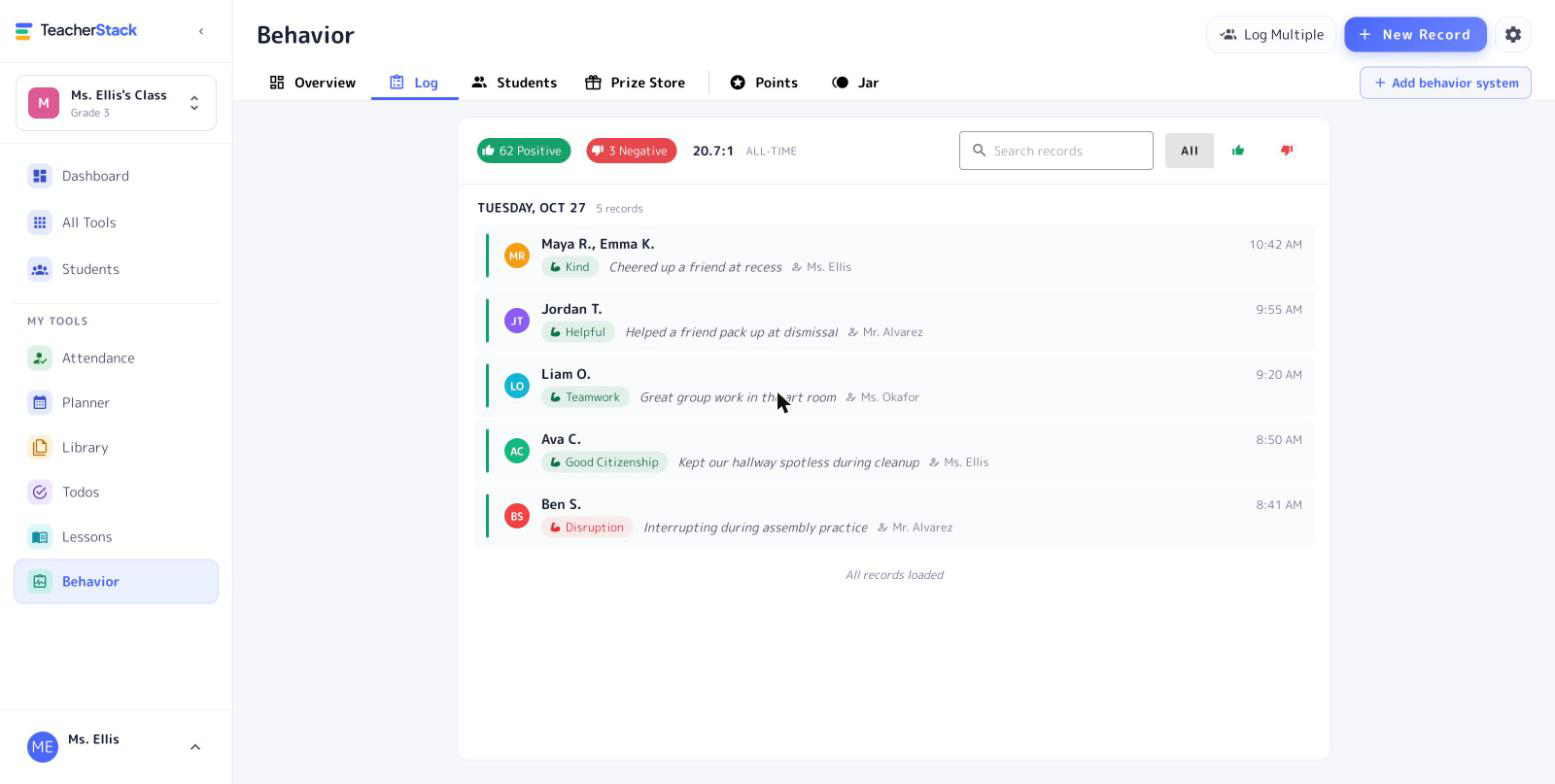
- Log behavior and give pointsEveryone in the class can record behavior and award points.
- Everyone gets creditEach record shows who wrote it, so the whole team sees the full picture of a student.
- One class for everyoneThe roster, attendance, seating, and station rotations are shared, so everyone works from the same class.
Split the planning with your team
Shared lessons & library
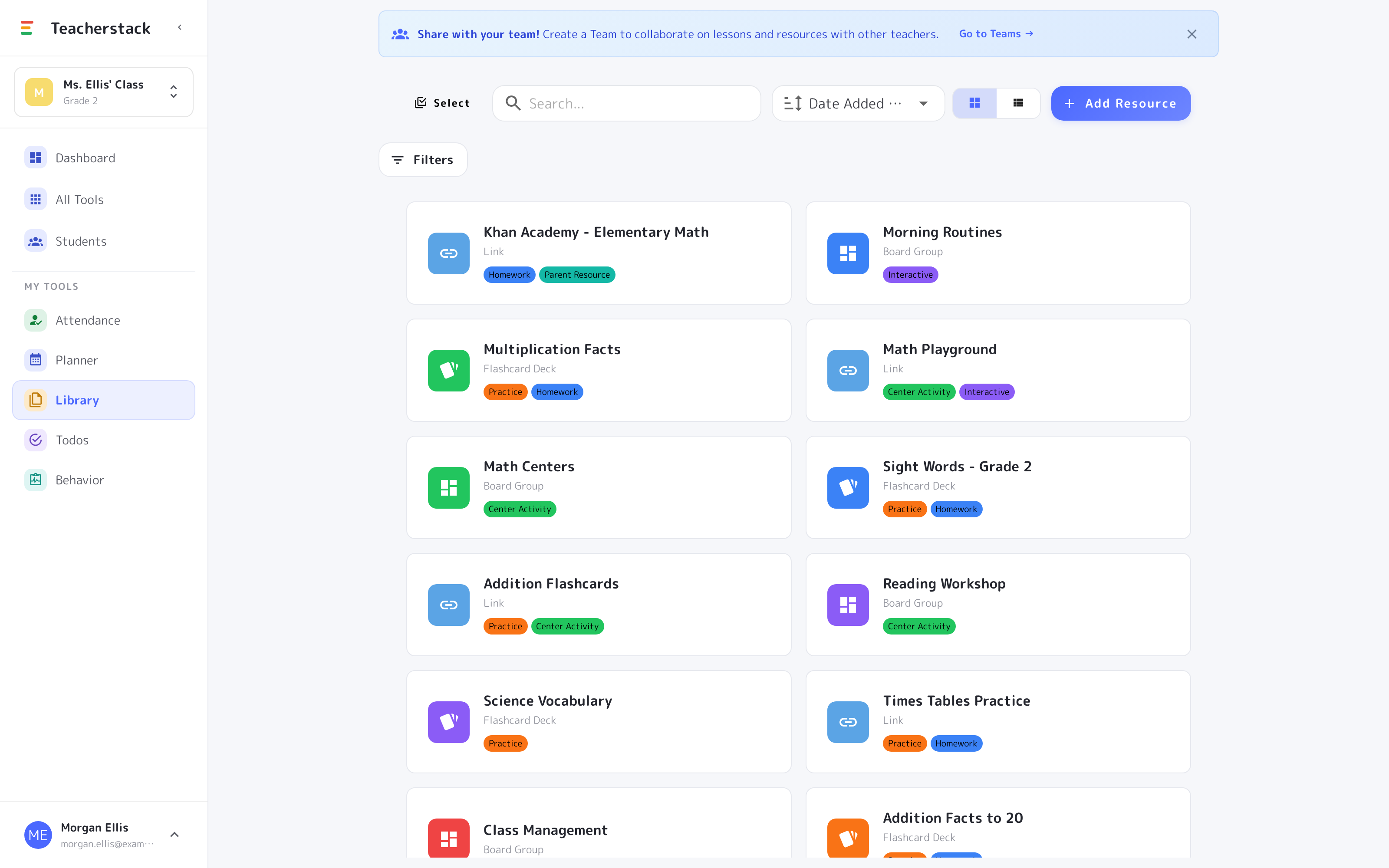
Build a unit once and the whole team can use it. No more re-sending files every week.
Always the latest version
Everyone works from the same up-to-date plans and resources, not scattered copies.
How your team comes together
- 1Create a teamSet up a shared space for your grade level in a couple of clicks.
- 2Invite your teachersAdd the colleagues you plan with, and everyone lands on the same shared shelf of lessons and resources.
- 3Share and stay in syncPush a lesson or a whole library to the team; when one person updates it, everyone has the latest.