Your digital whiteboard,
your way.
Set a background, drop in interactive widgets, and build the classroom display your day needs. Deliver lessons, show instructions, or run a whole activity from one screen.
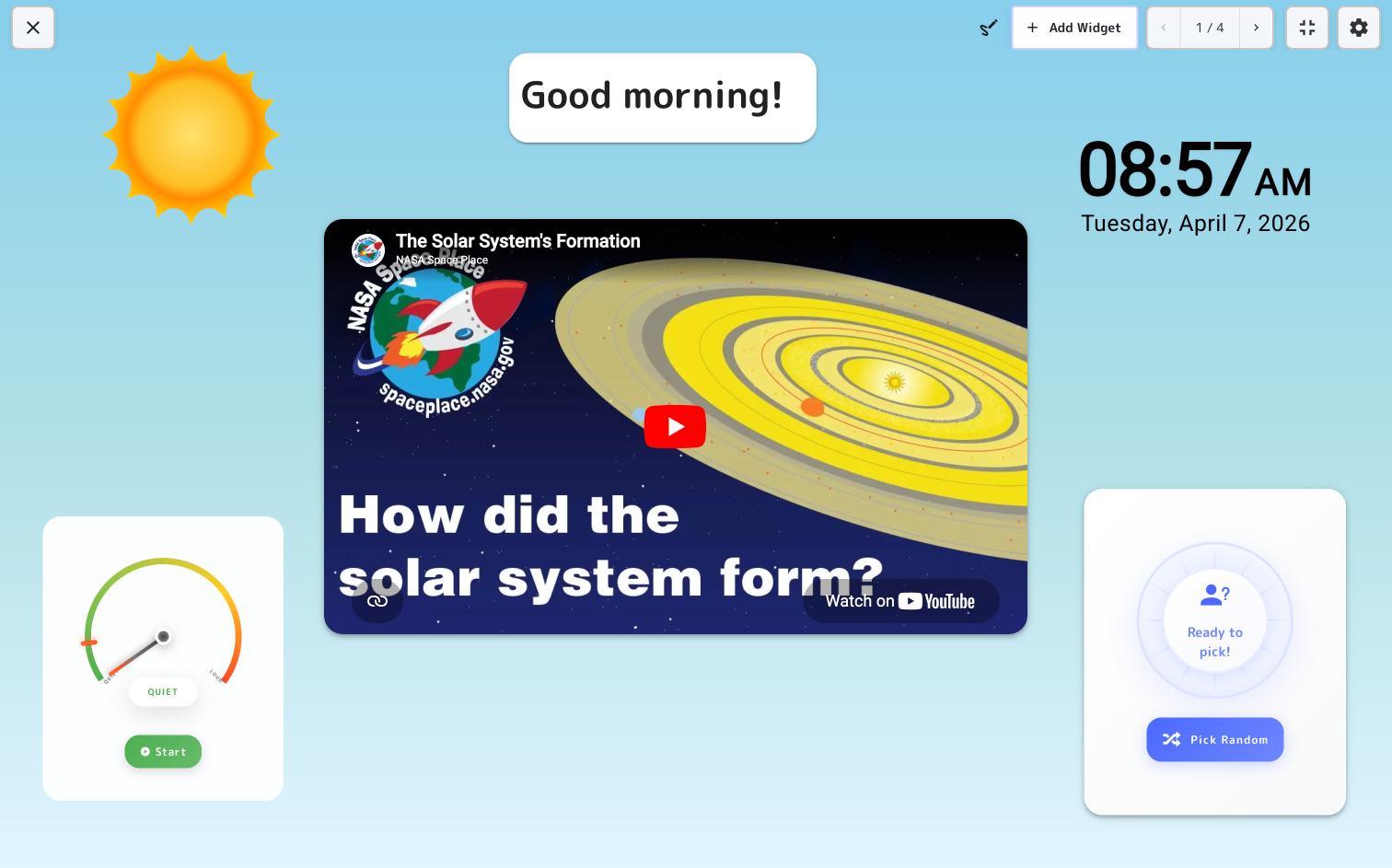
Everything you need on screen
Export slides from PowerPoint, Google Slides, Canva or Keynote as a PDF. Each page becomes a board, so timers and pickers sit right on top of your slides.
Drop in timers, polls, dice, a noise meter and more, then place and resize them freely. Draw on top with a pen or highlighter. A static slide becomes a working tool.
Save your favorite boards and relaunch them in a tap. Keep boards on your own account or share them with your team, or publish a group to a link anyone can open and present, no login needed.
Set the scene
Pick a soft color, a classroom pattern like notebook paper or graph paper, or a calming scene. Match the display to the moment of the day.
Add interactive elements
Mix and match to build the board your lesson needs.